Pixel Welding/Pro/Mini
2D Parameters
2D parameters affect the data quality of 2D images. The 2D image should have appropriate brightness, and the surface features of the target object in the image should be clear without being too bright or too dark.
By setting the exposure time and gain in the 2D parameter group, you can adjust the imaging quality of the 2D image.
| When confirming the 2D exposure parameters, you can open the real-time view and gradually adjust the 2D parameters while observing the changes in image quality until the desired effect is achieved. |
Exposure Time
-
Description:
Exposure time is the duration for which the camera sensor is exposed to light in each frame. It determines the exposure level of the sensor to light, thus affecting the image brightness. The longer the exposure time, the higher the image brightness; the shorter the exposure time, the lower the image brightness.
-
Default Value: 500ms
-
Range: 0.1~1000ms
-
Adjustment Instructions:
Adjust according to the on-site environment. Generally, use longer exposure time in darker environments and shorter exposure time in brighter environments.
-
Example:
The following content only demonstrates the effect of changing exposure time on the point cloud. In actual situations, image effects will vary depending on the scene and parameter settings.
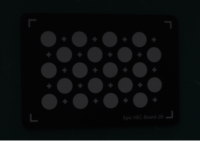
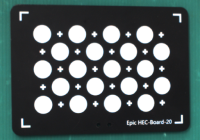
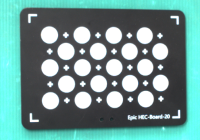
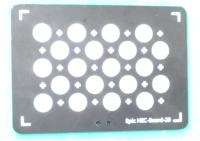
10
100
200
500
Gain
-
Description:
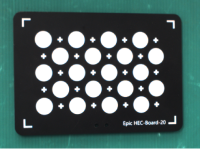
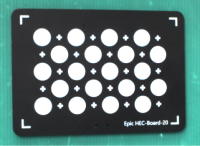
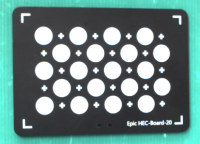
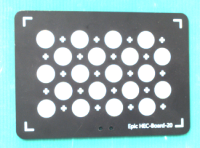
Gain is the factor by which the camera amplifies the signal during image capture. It is used to increase the image brightness.
-
Range: 0~24dB (0~16 for X series)
-
Adjustment Instructions:
Increase gain appropriately in darker environments, but note that increasing brightness also increases noise in the image. Therefore, adjust according to the actual situation to minimize noise while ensuring brightness.
-
If the on-site image is too dark and the 2D exposure time is already appropriately increased, increase the camera gain to further enhance the image brightness.
-
If there are high-speed requirements on-site, decrease the exposure time and increase the gain to maintain image brightness.
-
-
Example:
The following content only demonstrates the effect of changing gain on the image. In actual situations, image effects will vary depending on the scene and parameter settings.
1
3
5
10
3D Parameters
3D parameters affect the data quality of point clouds and depth maps. Point clouds and depth maps should contain complete surface information of the object.
By setting the exposure time, gain, and exposure parameter group in the 3D parameters, you can adjust the imaging quality.
Exposure Time
-
Description:
Exposure time affects the density, quality, and noise level of the point cloud. Longer exposure time produce denser point clouds but may lead to decreased quality and increased noise; shorter exposure time improve quality and reduce noise but may result in lower point cloud density. Exposure time that are too short or too long can result in missing point cloud information.
-
Range: 2.5~1000ms
-
Adjustment Instructions:
Adjust according to the workpiece situation. Darker workpieces typically use longer exposure time, while lighter workpieces use shorter exposure time.
-
Example:
The following content demonstrates the effect of changing exposure time on the point cloud. In actual situations, the point cloud effect will vary depending on the scene and parameter settings.
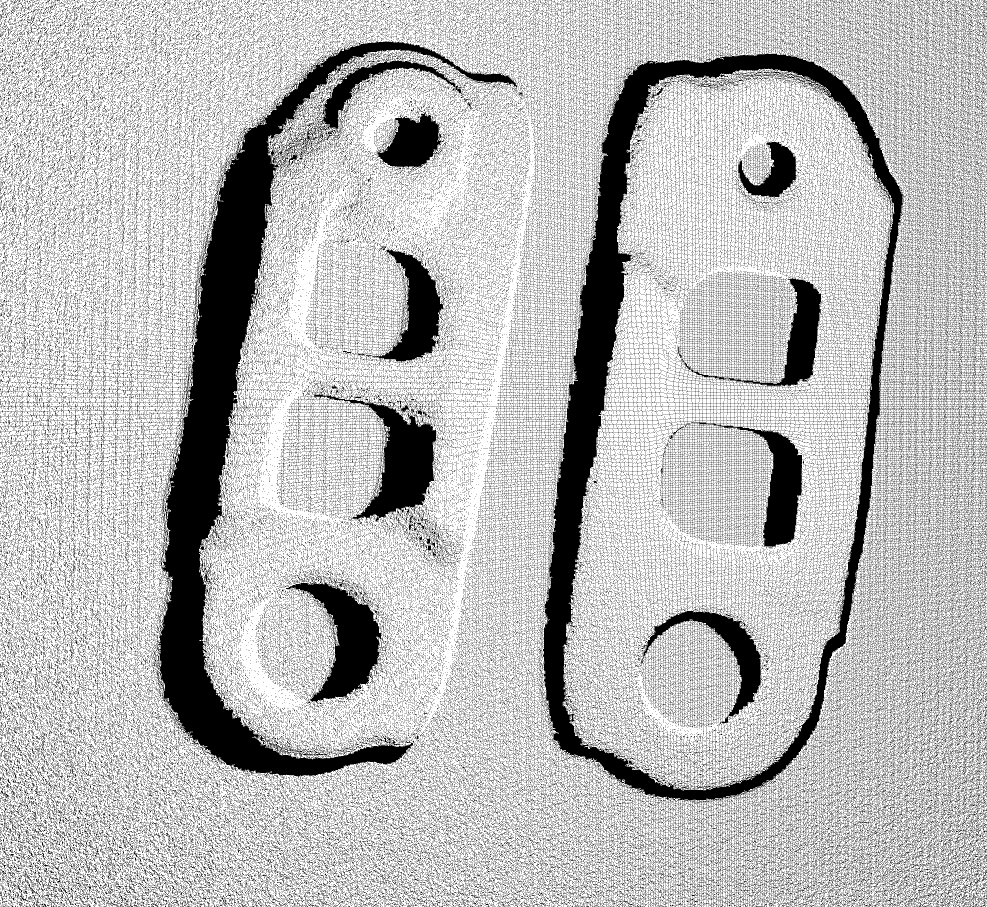
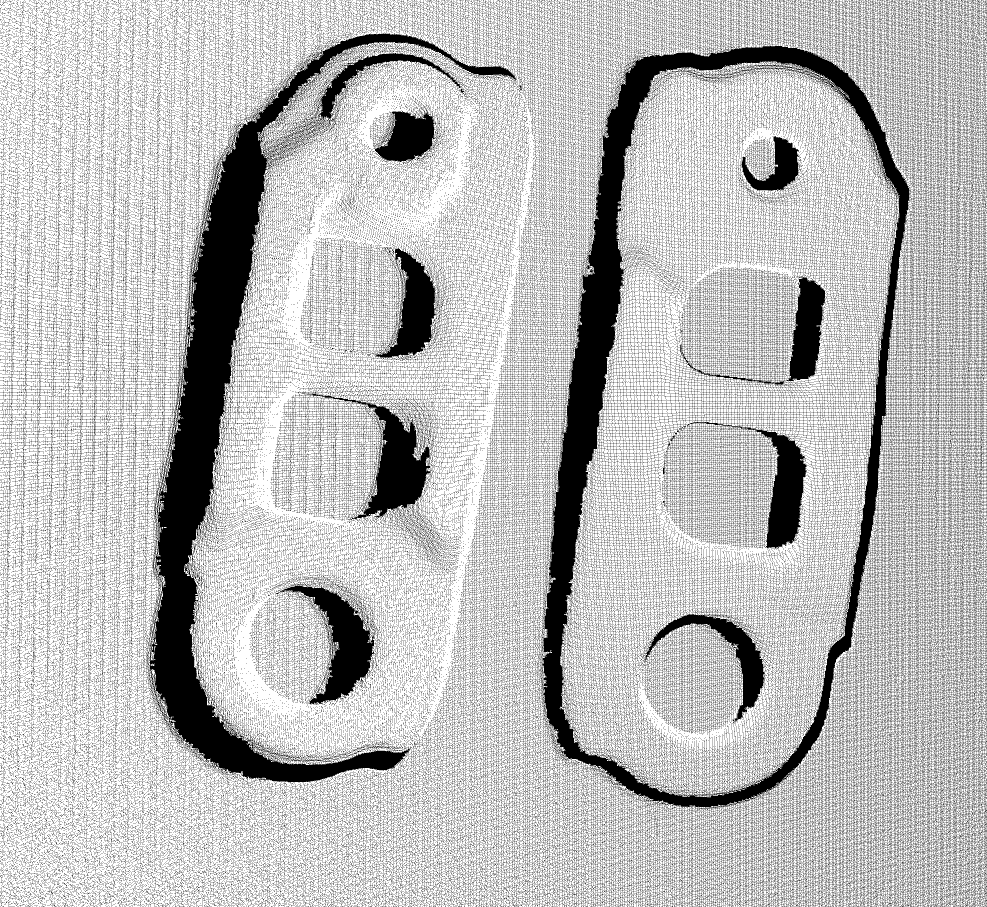
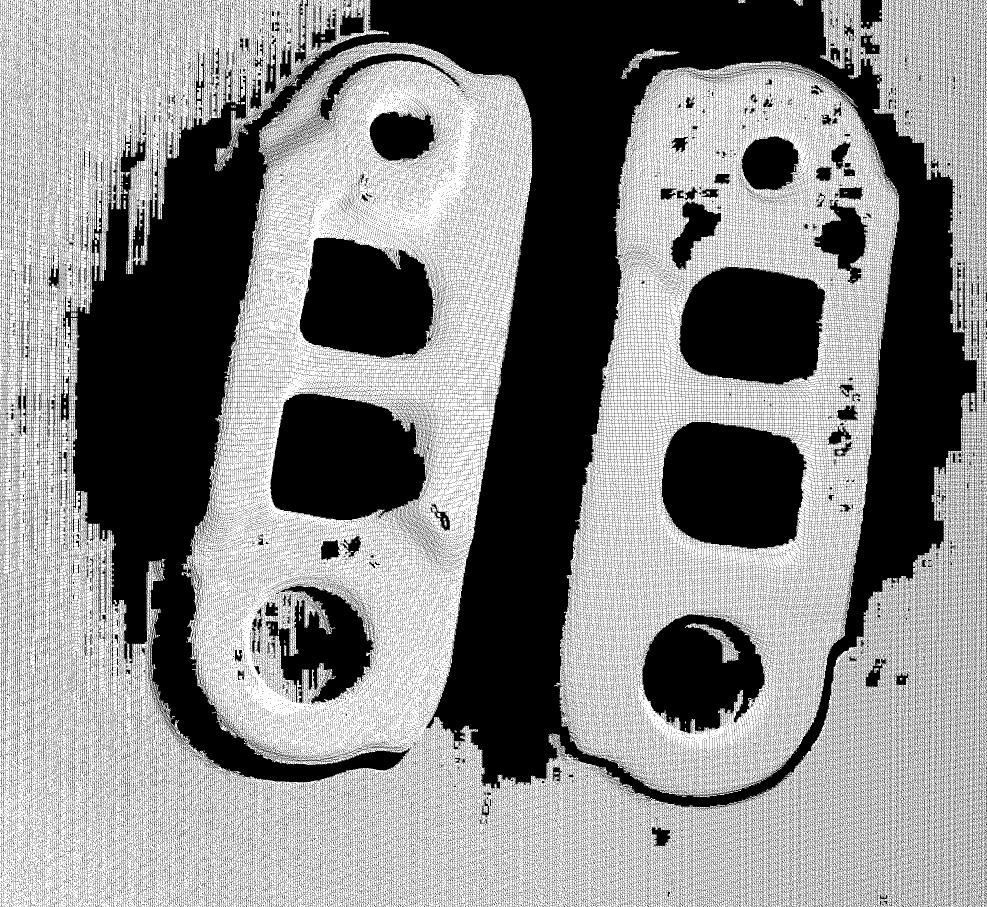
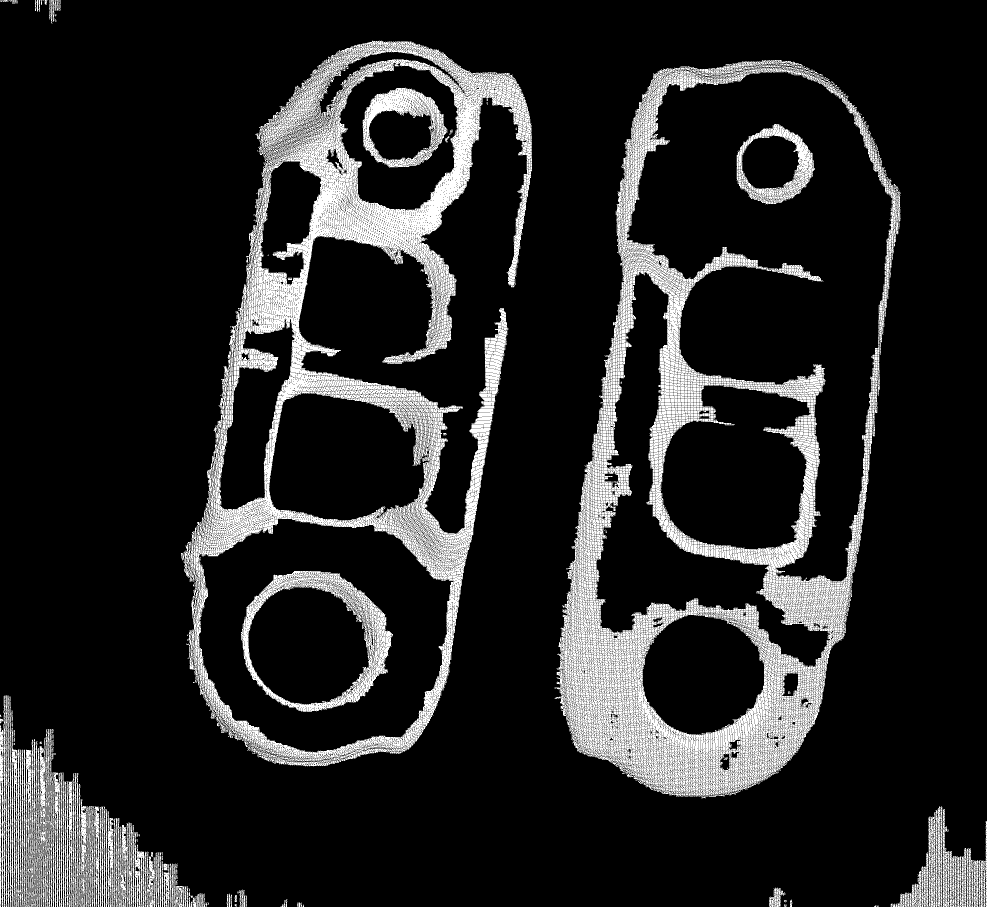
2.5
20
60
100
Gain
-
Description:
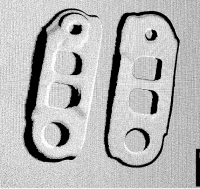
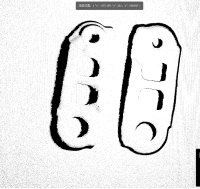
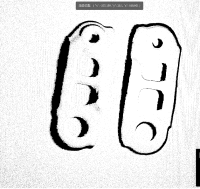
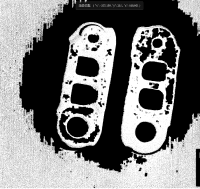
Camera gain affects the brightness, contrast, and noise level of the point cloud. Higher gain enhances brightness and contrast but may increase noise; lower gain has the opposite effect.
-
Range: 0~24dB
-
Adjustment Instructions:
Select appropriate gain to balance brightness and noise, ensuring point cloud quality.
-
Example:
The following content demonstrates the effect of changing gain on the point cloud. In actual situations, the point cloud effect will vary depending on the scene and parameter settings.
0
6
12
24
Exposure Parameter Group
To obtain a complete and high-quality point cloud of the object, especially when the object has both dark and light parts, you can increase the number of exposure parameter groups. By performing multiple exposures, each using different combinations of exposure time and gain, and then fusing the point cloud effects obtained under these different exposure conditions, you get the final complete point cloud.
Up to three groups of exposure parameters can be used, with different values set for each group. Increasing the number of groups will increase the shooting time, so try to minimize the number of exposures while ensuring image quality.
General Settings
Projection Mode
-
Description:
Controlling the coding method of the projection system during projection mainly affects the scanning speed and precision.
-
Options: Fast Coding, Precise Coding
-
Adjustment Instructions:
Projection Mode
Acquisition Speed
Point Cloud Quality
Applicable Scenarios
Fast Coding
Fast
Low
High requirements for point cloud quality.
Precise Coding
Slow
High
High requirements for point cloud.
Projection Brightness
-
Description: the brightness of the structured light during projection.
-
Options: Low, Medium, High
-
Adjustment Instructions:
-
Medium ambient light, Dark-colored objects: High projection brightness is appropriate.
-
Medium ambient light, Light-colored objects: Medium projection brightness is appropriate.
-
Low ambient light, Dark-colored objects: High or medium projection brightness is appropriate.
-
Low ambient light, Light-colored objects: Medium or low projection brightness is appropriate.
-
Point Cloud Smoothing
-
Description:
Point cloud smoothing can be used to reduce depth fluctuations in the point cloud, making it closer to the real surface of the object, but it will lose some surface details of the object.
-
Options: Off, Low, Medium, High, Ultra
-
Adjustment Instructions:
Higher smoothing strength results in more loss of surface details; lower strength results in less loss of surface details.
Point Cloud Filling
-
Parameter Instructions:
Used to fill in gaps in the point cloud.
-
Parameters: Off, Weak, Medium, Strong, Super Strong
-
Adjustment Instructions: The higher the point cloud filling strength, the more complete the generated surface point cloud of the object will be.
Noise Filtering
-
Parameter Instructions:
Used to clean up noise in the point cloud data, specifically those points that are isolated from the target point cloud.
-
Parameters: Off, Weak, Medium, Strong, Super Strong
-
Adjustment Instructions: The noise filtering strength determines the intensity of cleaning noise in the point cloud. The higher the strength, the more noise is removed; the lower the strength, the fewer points are removed.